Interactive Australia Map WordPress Plugin

  • No coding required
  • Visual editor with a live preview
  • SVG map on your own site: no iframe, no third-party map API

Live demo · hover a state, click for details

This preview includes premium features.

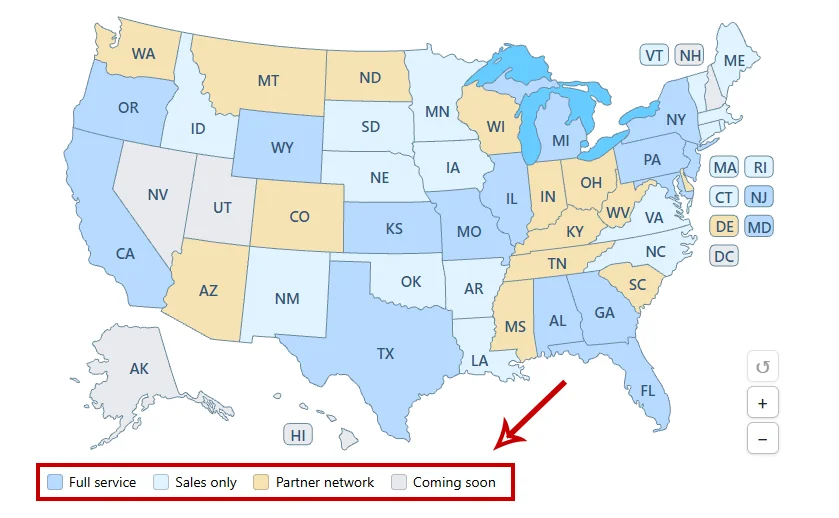
Legend and zoom are optional; both are on in this preview.

Show coverage across Australia with its eight states and territories. Link New South Wales, Victoria, Queensland, and the rest to local pages, with colors and tooltips set in the visual editor.

Get the plugin

Free version

Australia Map - Free

Free

A complete 8-state map, not a timed trial.

  • Every state, with the visual editor
  • Colors, links, and one-line tooltips for every state
  • Gutenberg block, Elementor widget, and [wpmp-australia-map]
  • Import/export as JSON or a CSV spreadsheet of all states
Download the free version

Version 3.1.4. A small “Interactive map by WP Map Plugins” link stays under the map.
Premium

Australia Map - Premium

$29.95Regular price $39.95Limited time

One-time payment. No subscription and no license key.

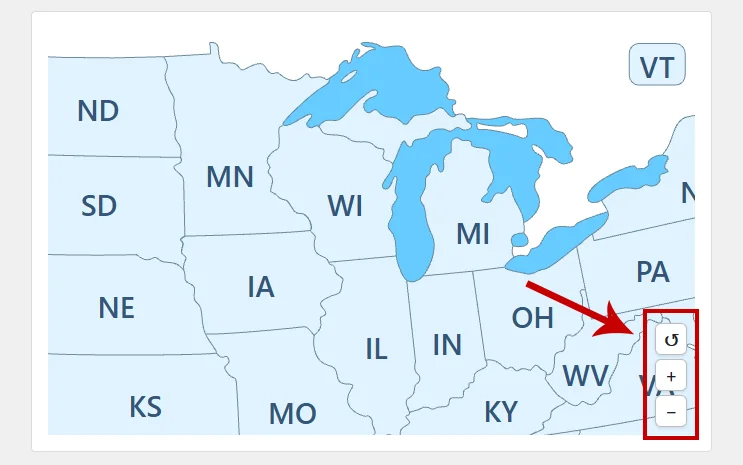
  • Zoom and pan, formatted tooltips, and modal window / popups
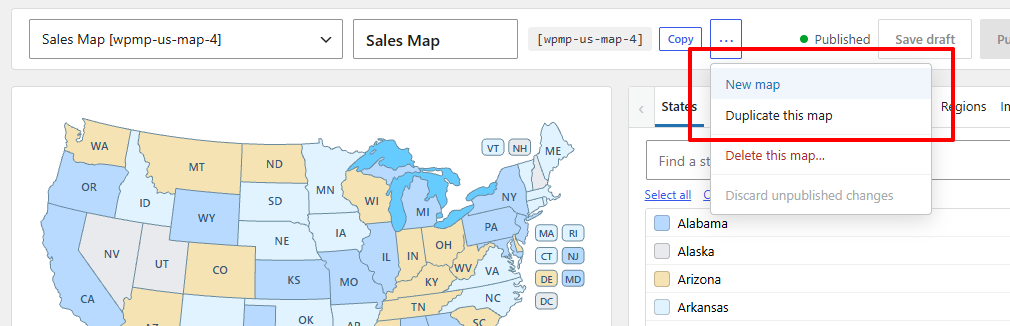
  • Pins, regions, an optional legend, and several maps
  • Future updates of the premium plugin are included
  • Replaces the free copy and keeps your map settings

Secure checkout by FastSpring.

Version
3.1.4
Requires
WordPress 6.3 and PHP 7.4
Tested up to
WordPress 7.1.4
Tested on
✓✓
Shortcodes
[wpmp-australia-map] More maps (premium)
Areas
8 states

What is included

A complete free map, and a premium upgrade when you need more

The free plugin is a complete map of 8 states, not a timed trial. You get the visual editor, colors and links for every state, one-line tooltips, the Gutenberg block, the Elementor widget, the [wpmp-australia-map] shortcode, and import/export as JSON or as a CSV spreadsheet of all states.

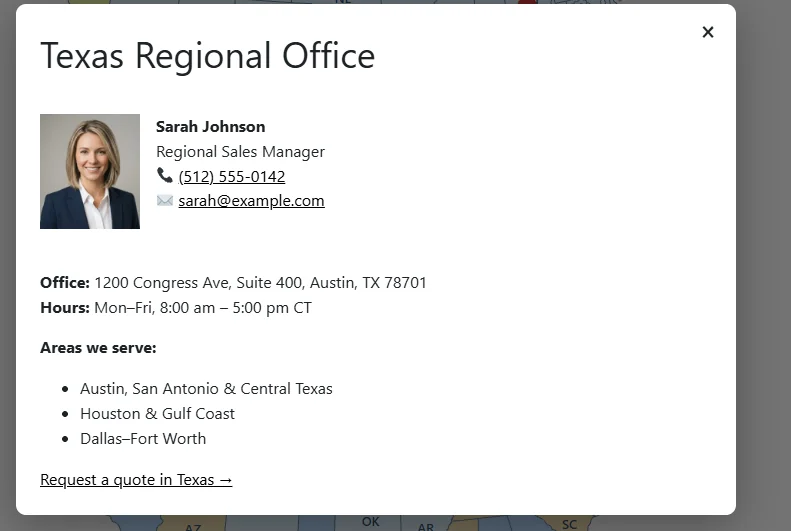
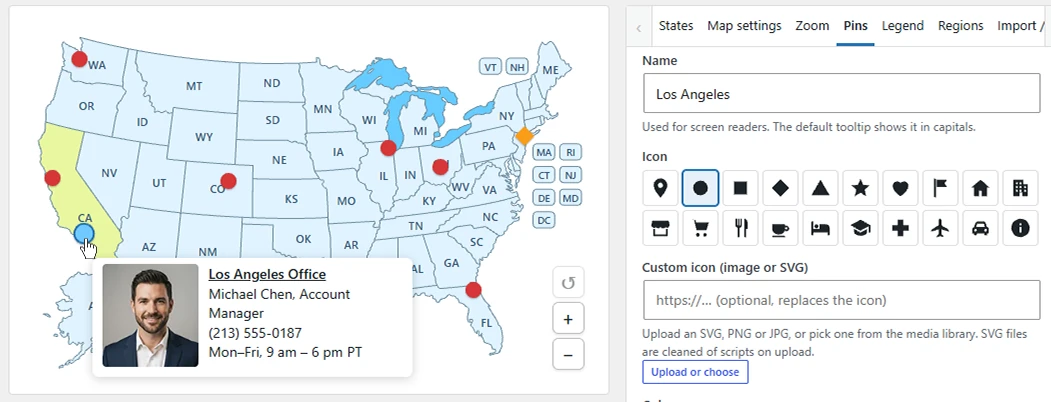
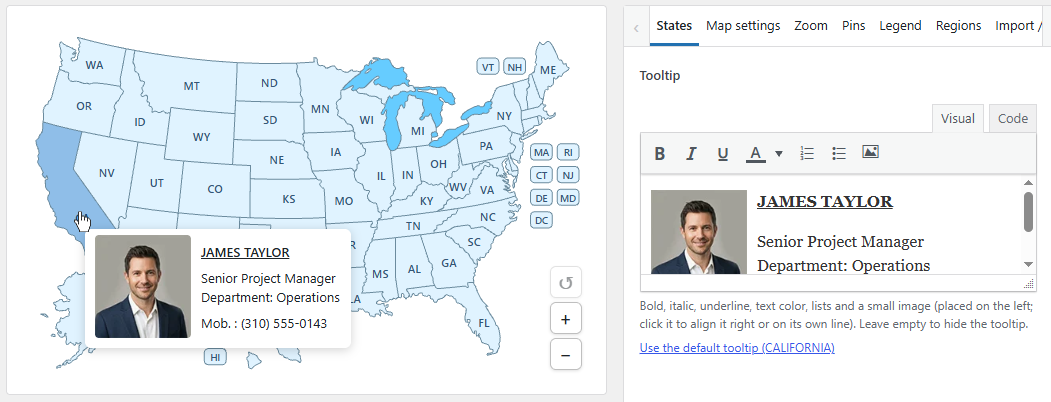
Australia Map - Premium adds zoom and pan, formatted tooltips (bold, colors, lists, and a small image), a modal window / popup with images, links, and video, pins, regions, an optional legend, several maps on one site or page, custom labels and fonts, and a CSS class per state.

Free vs premium

Compare the free version and premium

Select the camera icon next to a premium feature to see a screenshot.

FeatureFreePremium
All areas clickableYesYes
Visual editor and live previewYesYes
Colors, hover colors, label colors, linksYesYes
Tooltips One line of plain textFormatted: bold, colors, lists, and a small image
Gutenberg block, Elementor widget, shortcodeYesYes, plus extra shortcodes for more maps
JSON import/export of all settingsYesYes
CSV import/export of areasYesYes
Zoom and pan NoYes, optional
Modal window / popups with images, links, and video NoYes
Pins NoYes
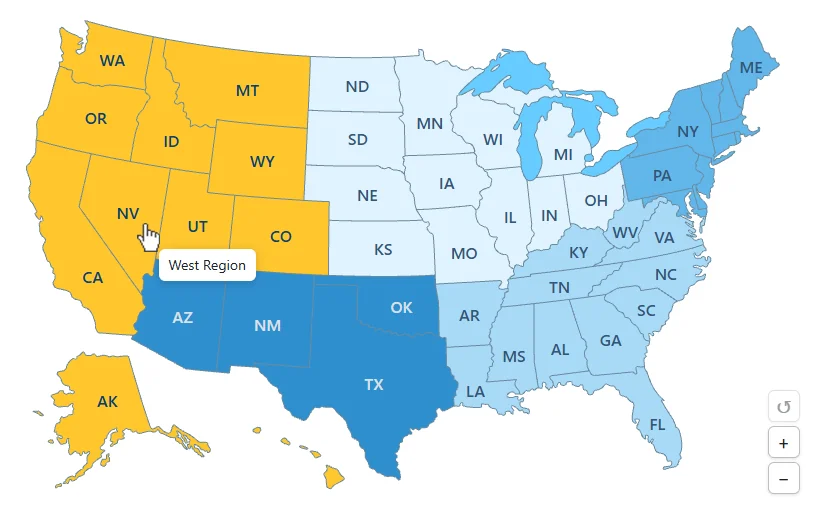
Regions NoGroup areas so they highlight together and share a color, tooltip, and click
Legend NoOptional legend under the map that explains what the colors mean
Several maps on one site or page NoYes
Custom labels and fontsNoChange the text on an area, or leave it empty to hide that label, and the label font, size, and weight
CSS classes per areaNoYes
Credit linkAlways on for the free downloadOff by default

Premium replaces the free plugin: it replaces the free copy and keeps your map settings. There is no license key.

Common uses

What people build with the Australia map

  • State-by-state service coverage
  • Dealer and installer networks
  • Tourism guides by state
  • Regional sales territories
  • Events and office locations

Set it up

From download to published map in three steps

  1. Install the plugin

    Upload the zip in WordPress and activate it. Open Australia Map in the admin menu.

  2. Edit and publish

    Pick states from the list or search, set colors, links, and tooltips, then click Publish.

  3. Place the map

    Add the Australia Map block, the Elementor widget, or the [wpmp-australia-map] shortcode.

Need more detail? Read the getting started guide in the docs.

The map itself

8 clickable states

The Australia pack has eight areas: six states plus the Australian Capital Territory and the Northern Territory. Labels use the familiar abbreviations, such as NSW, VIC, QLD, and WA. Tasmania is included.

Need another map? Browse all maps.

FAQ

Australia map questions

Are the territories included?

Yes. The Australian Capital Territory (ACT) and the Northern Territory (NT) are clickable areas alongside the six states.

Can I show full state names instead of abbreviations?

The default labels are abbreviations such as NSW and QLD; the full name appears in the tooltip. Premium custom labels let you change the label text.

Can I show several Australia maps?

Yes, in premium. Extra maps use shortcodes such as [wpmp-australia-map-2], each with its own settings.

Is there a credit link?

The free download shows a small credit link under the map. In premium the link is off unless you turn it on.

What happens when I upgrade?

Premium replaces the free copy and keeps your map settings. It is a one-time payment, not a subscription.

Start with the free Australia map today

Download the free version, or unlock premium features with a one-time payment.